🤖 Android Ready now
Works on Android 8.0 and up
⬇ Download for Android
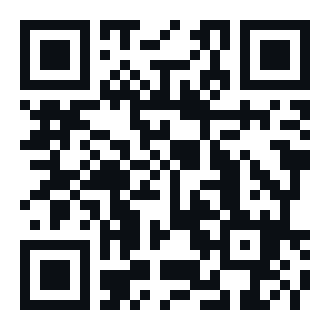
Or scan with your phone camera
- Tap Download (or scan the code on your phone).
- Android asks to allow installs from your browser — tap Settings → Allow.
- Open the downloaded file and tap Install.
- Open OneLock, set a PIN, pick what to block.
Heads up: this is our direct download, not the Play Store (that's still
in review). Android may show a "not from Play" warning — that's expected for a
direct install. The app auto-updates from here when a new build ships.
🍎 iPhone / iPad Ready now
No App Store, no Apple developer fee
⬇ Install on iPhone / iPad
Scan on your iPhone, then tap the button above
- Open this page in Safari (on iPhone, other browsers won't install profiles).
- Tap Install on iPhone. Safari says "This website is trying to download a
configuration profile" — tap Allow.
- Open Settings → Profile Downloaded → Install (top right) → enter your passcode → Install again.
- Done. Blocked sites stop loading on Wi-Fi and cellular.
What this does: it filters websites (social, video, gambling, dating,
ads & trackers) by routing your iPhone's DNS through OneLock. It does not
block apps — Apple only allows that with a signed app, which needs the $99 account.
Remove it any time in Settings → General → VPN & Device Management.
Safari may show "Not Signed" — that's normal and safe; tap Install anyway.